Tower Hill Church15.15.0
Publisher Description

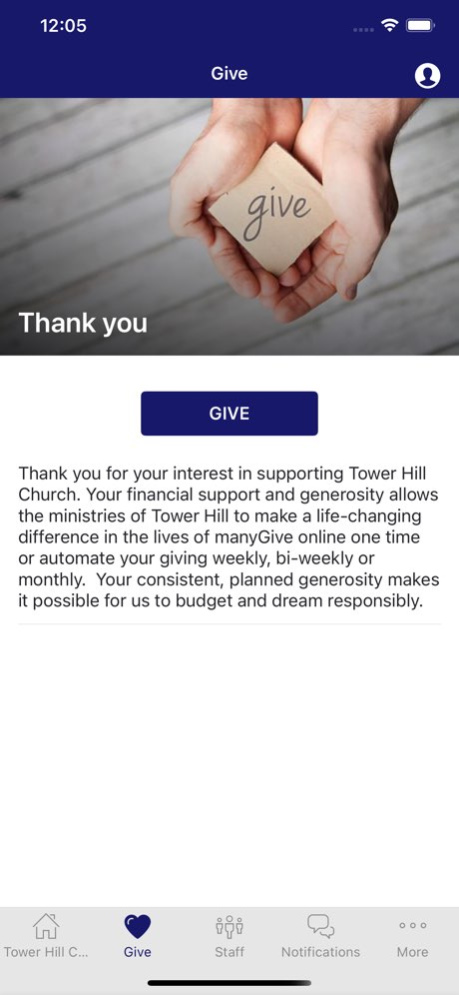

Life is better together! Connect and engage with the Tower Hill Church community through the Tower Hill app! Download our app to hear sermons, learn about events, join bible studies and much more!
Version History Critical Code Update! 15.15.0 12/18/2025 A smoother than ever user-experience, including faster content updates and visual enhancements such as content upload notice and reload button. 15.12.0 04/01/2022 - Updated screenshots. 15.8.0 04/06/2020 - Logo Update and Redesign 15.7.0 03/19/2020 - Create your Profile and make the app your own. Get better visibility of your notifications and gain access to our latest features.
- The ability to give feedback in an easy and anonymous way directly in your message inbox.
- Select the notifications you want to be subscribed to. Get custom recommendations. Easier to opt-in to what you want to know and opt-out of what you don’t.
- Create engaging, customized push notifications with images, emojis, and more.
- Access your app content from your push notifications. Your messages can now link you directly to pages like events or podcasts. 15.5.0 01/14/2020 Updated App Icon! 13.3.0 08/08/2018 New Icon! 13.2.0 08/04/2018 13.1.2 07/25/2018
About Tower Hill Church
The company that develops Tower Hill Church is FIRST PRESBYTERIAN CHURCH OF RED BANK. The latest version released by its developer is 15.15.0.
To install Tower Hill Church on your iOS device, just click the green Continue To App button above to start the installation process. The app is listed on our website since 2026-10-06 and was downloaded 1 times. We have already checked if the download link is safe, however for your own protection we recommend that you scan the downloaded app with your antivirus. Your antivirus may detect the Tower Hill Church as malware if the download link is broken.
How to install Tower Hill Church on your iOS device:
- Click on the Continue To App button on our website. This will redirect you to the App Store.
- Once the Tower Hill Church is shown in the iTunes listing of your iOS device, you can start its download and installation. Tap on the GET button to the right of the app to start downloading it.
- If you are not logged-in the iOS appstore app, you'll be prompted for your your Apple ID and/or password.
- After Tower Hill Church is downloaded, you'll see an INSTALL button to the right. Tap on it to start the actual installation of the iOS app.
- Once installation is finished you can tap on the OPEN button to start it. Its icon will also be added to your device home screen.
Program Details
System requirements
Download information
Pricing
Version History
version 15.15.0
posted on 2026-10-06
Version History Critical Code Update! 15.15.0 12/18/2025 A smoother than ever user-experience, including faster content updates and visual enhancements such as content upload notice and reload button. 15.12.0 04/01/2022 - Updated screenshots. 15.8.0 04/06/2020 - Logo Update and Redesign 15.7.0 03/19/2020 - Create your Profile and make the app your own. Get better visibility of your notifications and gain access to our latest features.
- The ability to give feedback in an easy and anonymous way directly in your message inbox.
- Select the notifications you want to be subscribed to. Get custom recommendations. Easier to opt-in to what you want to know and opt-out of what you don’t.
- Create engaging, customized push notifications with images, emojis, and more.
- Access your app content from your push notifications. Your messages can now link you directly to pages like events or podcasts. 15.5.0 01/14/2020 Updated App Icon! 13.3.0 08/08/2018 New Icon! 13.2.0 08/04/2018 13.1.2 07/25/2018
version 15.15.0
posted on 2025-12-18
Critical Code Update!
version 15.12.0
posted on 2022-04-01
Apr 1, 2022
Version 15.12.0
A smoother than ever user-experience, including faster content updates and visual enhancements such as content upload notice and reload button.
